The Meshtastic app for Android allows you to connect to a node with bluetooth and send messages, update configuration, and more!
Backing up node config
It is a good idea to occasionally export your node config, especially before a version update, so that you can get it back up and running if it has a software glitch.[1]
-
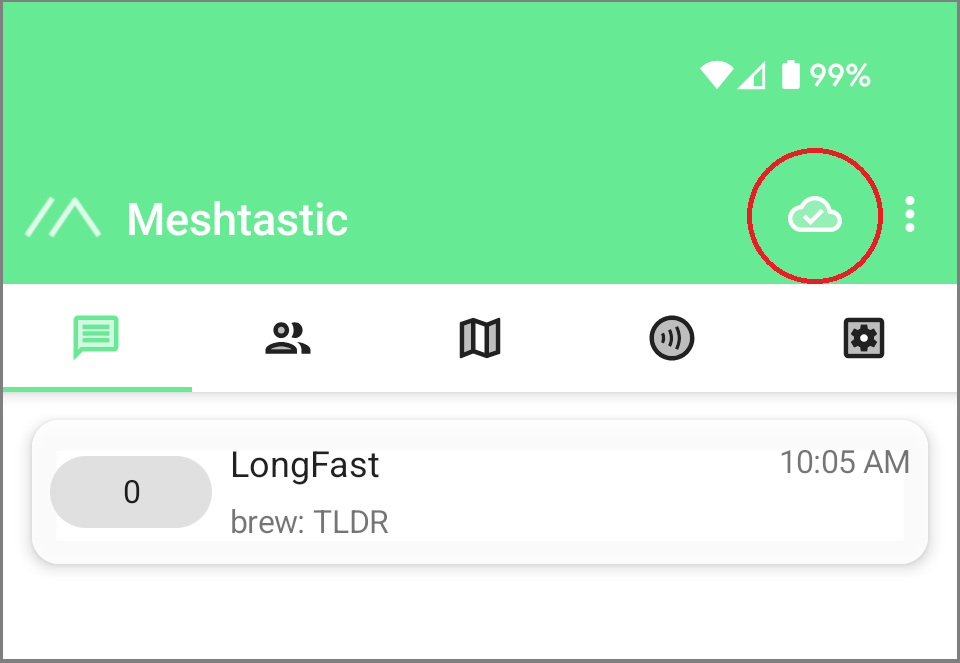
Make sure you are connected to your node:
-
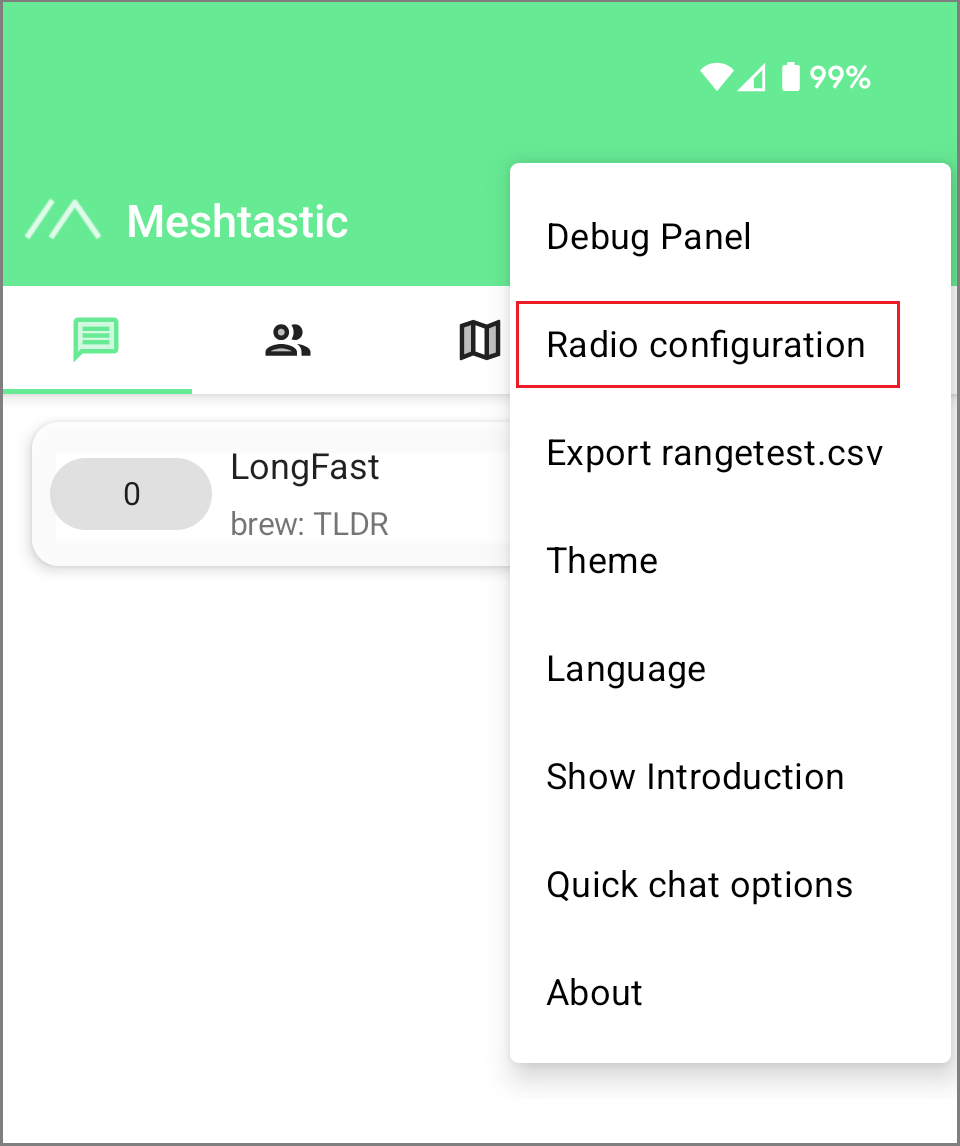
Open the three dot menu at the top right and tap “Radio Configuration”
-
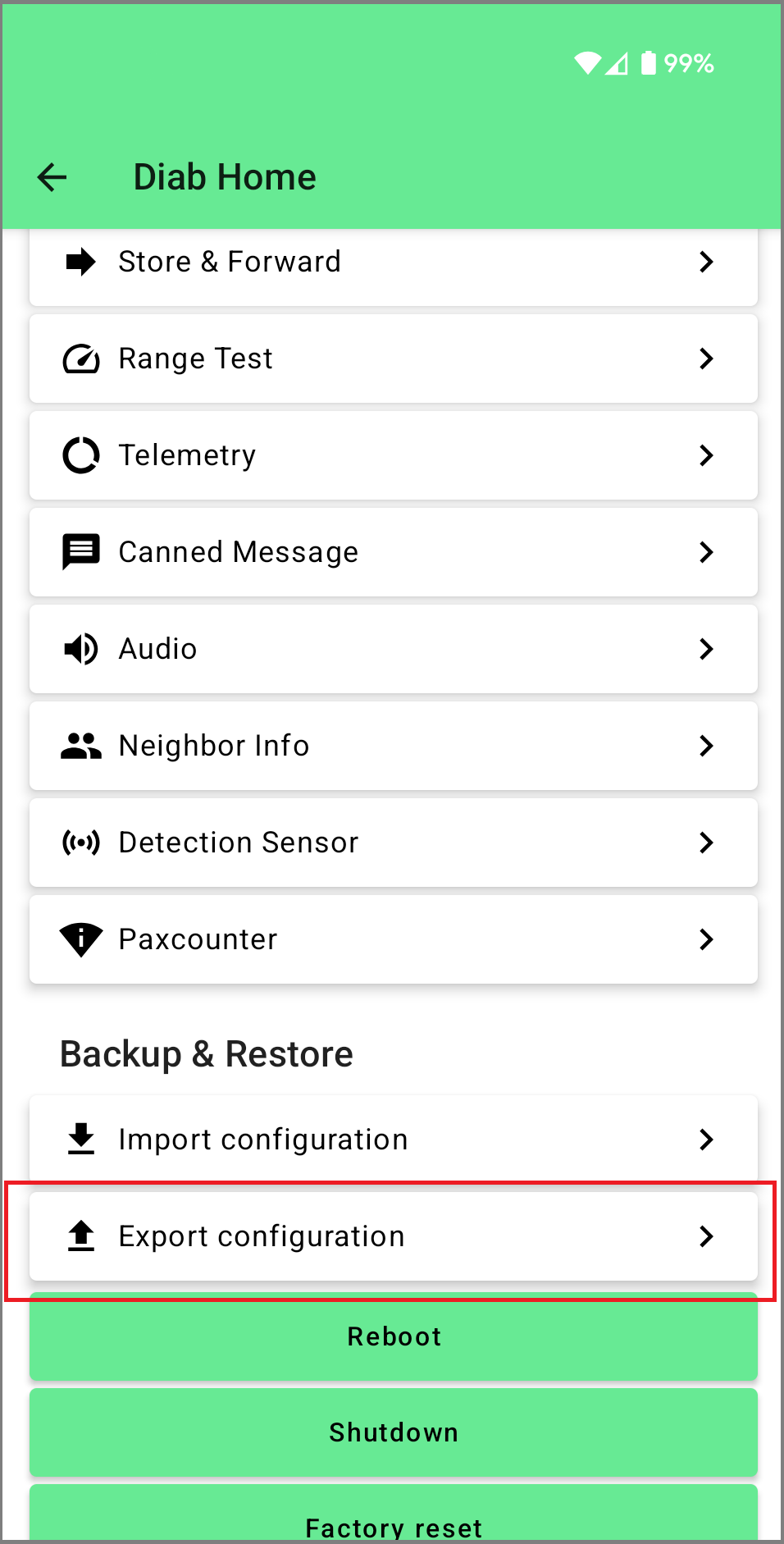
Scroll down to the bottom and tap “Export configuration”
Last edited by @jonah 2025-05-26T19:15:51Z